DMARC checker for Chrome
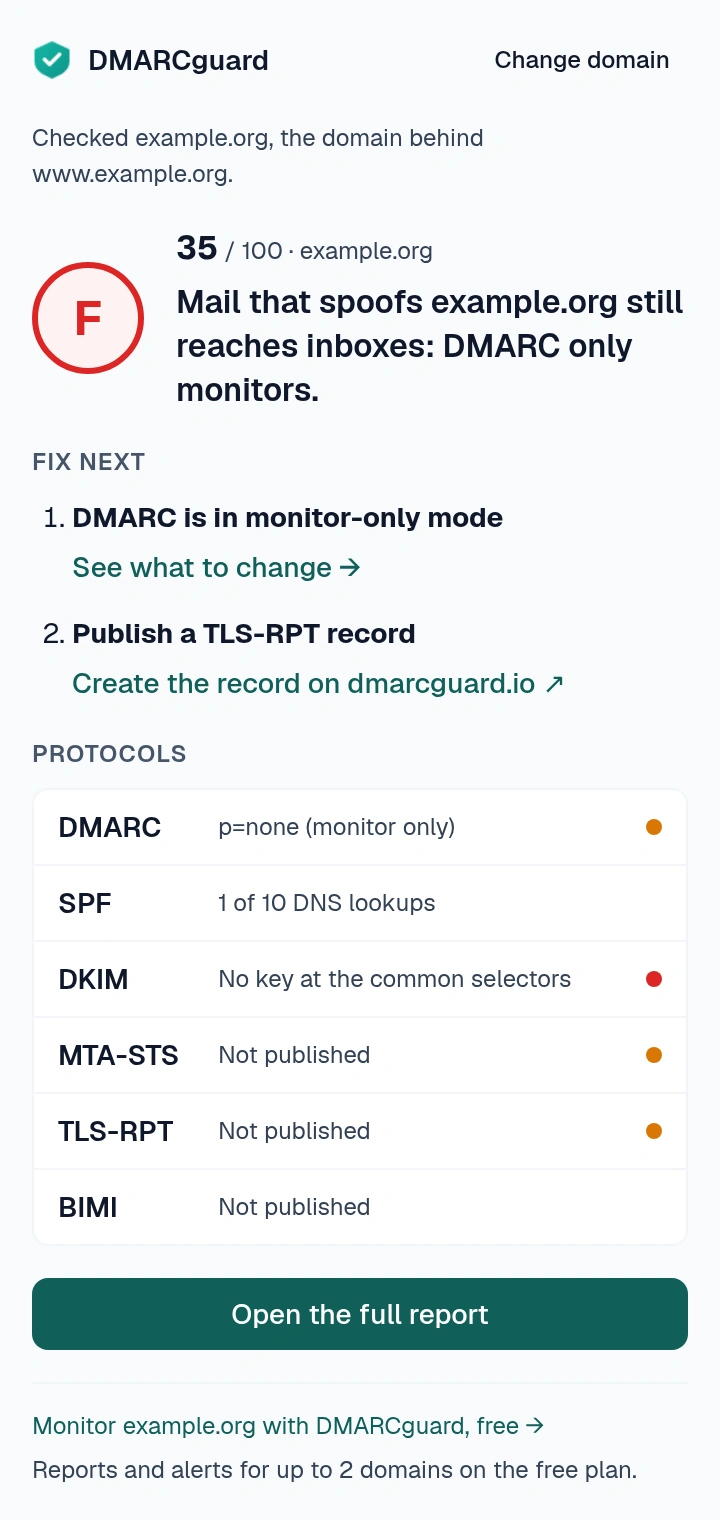
Click the DMARCguard button on any website and the Chrome extension grades the domain behind the page: DMARC, SPF, DKIM, MTA-STS, TLS-RPT and BIMI, from A to F, with the two fixes that matter most.
Free · No account · No tracking in the extension
Already installed? Troubleshooting and support.
What it checks
One click scores six protocols out of 100, weighted like the DMARCguard audit report. Checks follow the current RFCs, including DMARCbis (RFC 9989).
| Protocol | Weight | What it reads |
|---|---|---|
| DMARC | 30 points | The policy receivers apply, including what a subdomain inherits from its parent. |
| SPF | 25 points | The whole include tree, counted against the 10-lookup limit. |
| DKIM | 20 points | Keys at the common selectors, and their real key size. |
| MTA-STS | 12 points | The DNS record, and the policy file once you allow its one address. |
| TLS-RPT | 8 points | The reporting record and where reports go. |
| BIMI | 5 points | The record, and the DMARC policy it requires. |
| DANE | Not scored | TLSA records for every MX host. |
| DNSSEC | Not scored | Whether the zone is signed. |
| Blocklists | Not scored | The domain's IP address on 12 major lists. A list that refuses public resolvers shows as not checkable, never as listed. |
| DNS lookup | Not scored | MX, TXT, A, NS and the other common record types. |
How to use it
-
Click the toolbar button
The popup checks the domain behind the tab: on www.example.org it checks example.org. You get the grade, the 0 to 100 score, whether someone can send mail in the domain's name, and the two fixes to make next, or that there is nothing left to fix.
-
Open the full report in the side panel
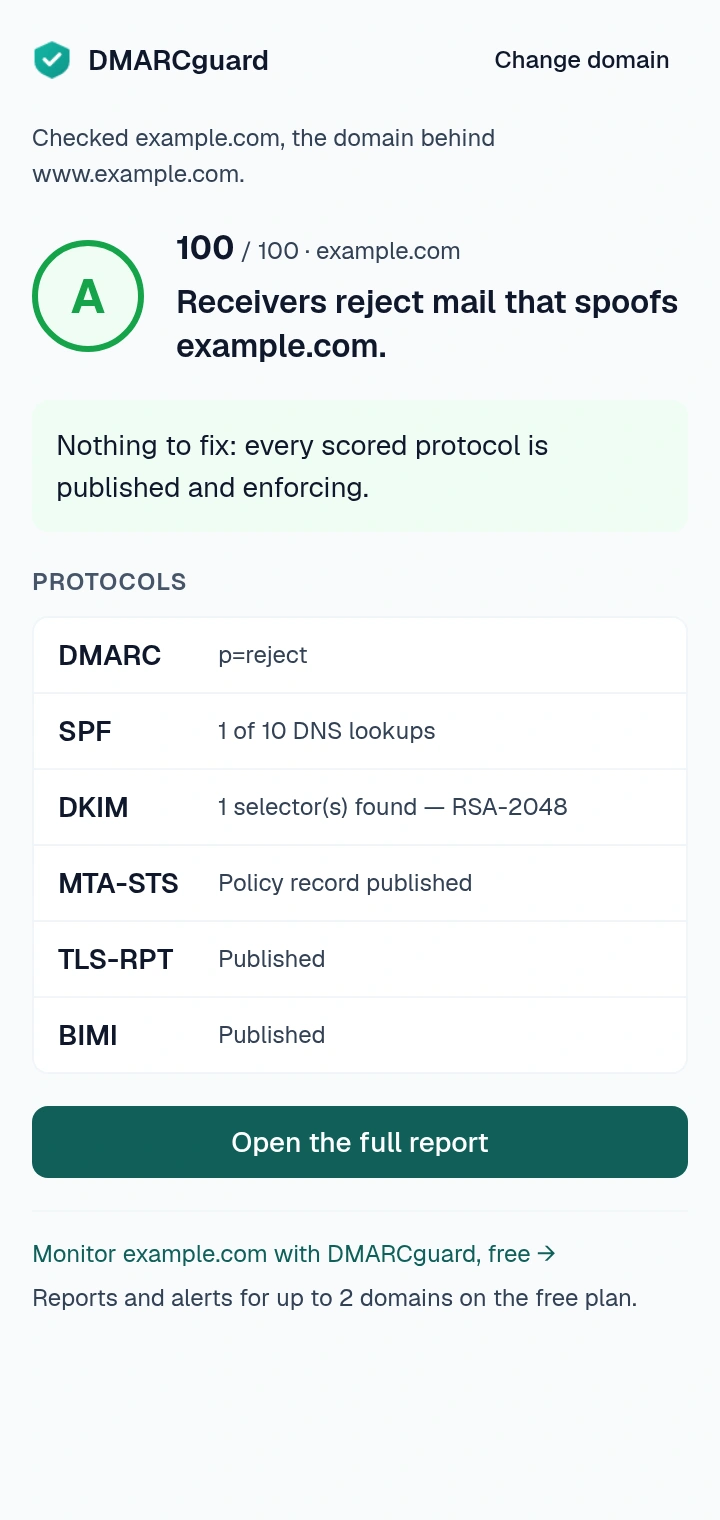
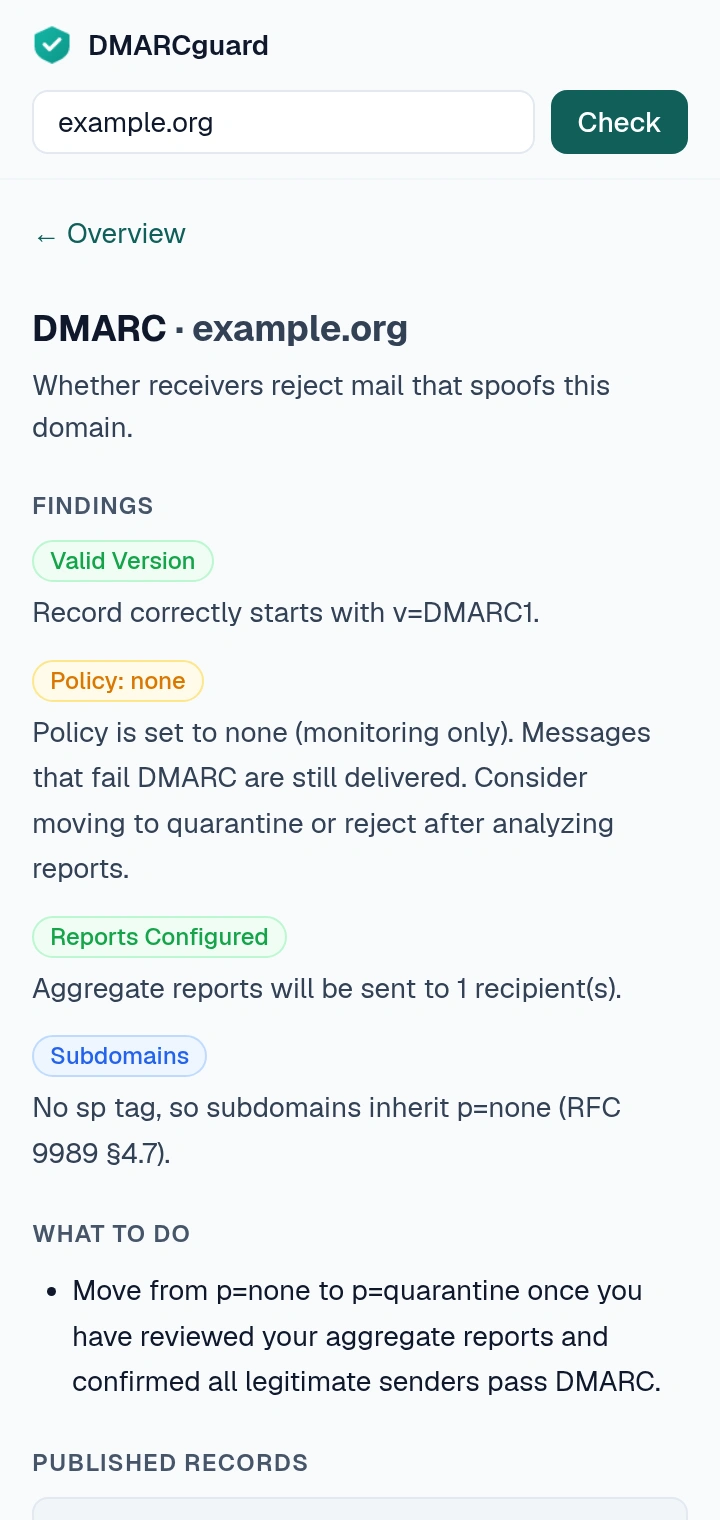
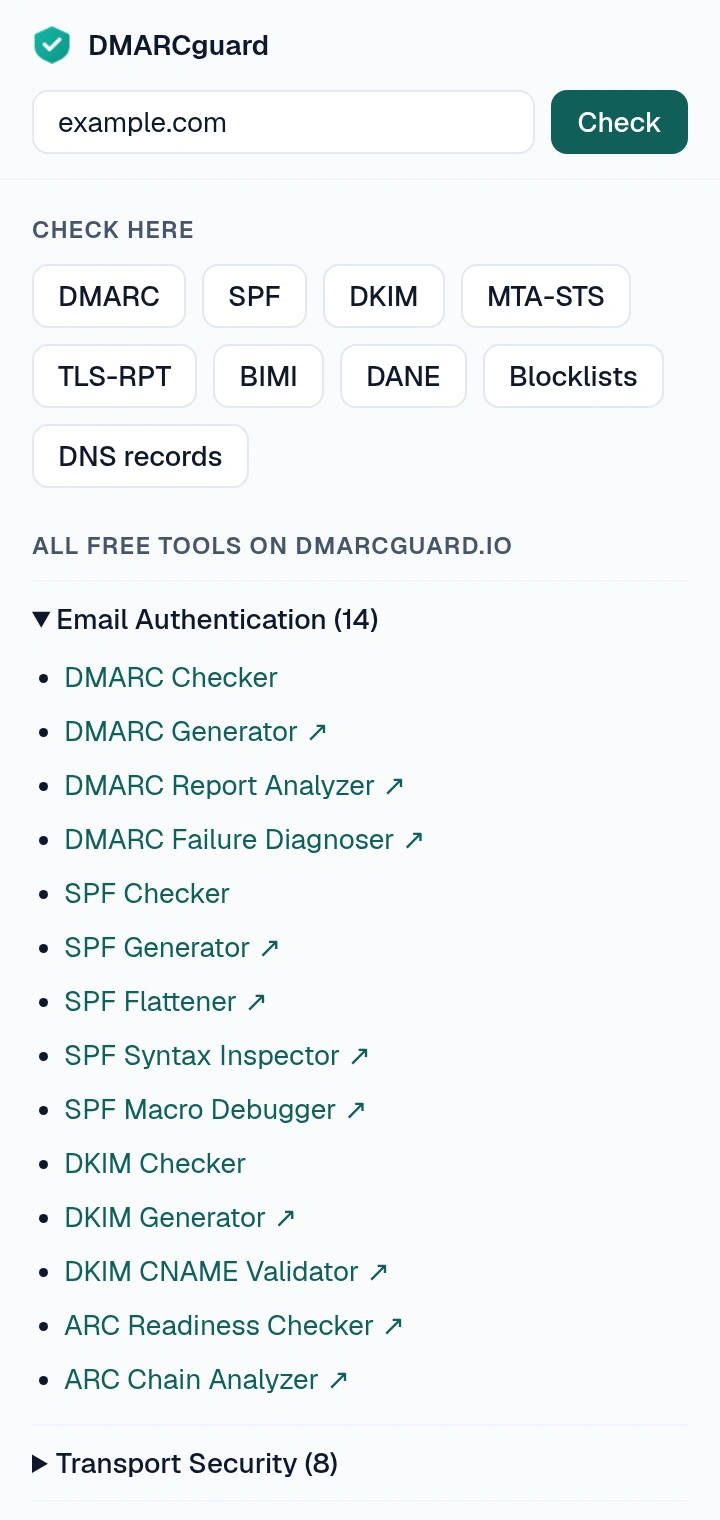
The side panel stays open while you switch tabs. It shows each protocol's findings with the record behind them and what to change, and runs the DMARC, SPF, DKIM, MTA-STS, TLS-RPT, BIMI, DANE, blocklist and DNS checks for any domain you type.
-
Right-click a page or a link
“Check this site's email authentication” on a page, “Check email authentication of this link's domain” on a link: either opens the side panel on that domain. From the panel, record generators, report analyzers and compliance scorecards open on dmarcguard.io with the domain filled in.
Permissions, and why each one
The extension asks for the smallest set its checks need. None of them shows a warning when you install it.
| Permission | What it lets the extension do |
|---|---|
activeTab | Read the current tab's address when you click the toolbar button, to find the domain to check. |
sidePanel | Show the full report and the per-protocol checks in Chrome's side panel. |
storage | Hand the domain from the popup or the right-click menu to the side panel. It sits in session storage and is cleared when you close the browser. |
contextMenus | Add the two right-click entries. |
optional_host_permissions | Read one domain's MTA-STS policy file, from exactly https://mta-sts.<domain>/, after you click “Allow reading”. Asked per domain, never at install. |
Where requests go
-
cloudflare-dns.com: DNS-over-HTTPS lookups for the domain you check. -
mta-sts.<domain>: the policy file, only after you allow that one address. dmarcguard.io: only the links you click.
Nothing else: no account, no analytics, no tracking, no remote code. Read the privacy policy for the full statement.
Troubleshooting and questions
Why does it ask for access to an mta-sts address?
A domain's MTA-STS policy lives at https://mta-sts.<domain>/.well-known/mta-sts.txt, and many mail hosts serve it without the header a web page needs to read it. When you click “Allow reading”, the extension asks for that one address and nothing else. You can remove the access at any time from the extension's details page in chrome://extensions.
Why can't it check the page I'm on?
It checks domain names in public DNS. Browser pages such as chrome://, IP addresses, localhost, single-label names and private-network names such as .local or .internal are never looked up. On those pages the popup asks you to type a domain instead.
Why does it check example.com when I'm on www.example.com?
Email authentication records belong to the mail domain, which is rarely the web host (www., app., docs.). The extension walks up from the address to the name that owns the DNS zone and checks that one. The popup says which domain it checked.
What does “Couldn't verify” mean?
The DNS lookup for that record failed: the resolver returned an error or could not be reached. That is not the same as a missing record, so it does not count against the score. If every lookup fails, the extension shows no score rather than a wrong one. Try again in a moment.
Why is my grade different from another DMARC checker?
The score uses the weights of the DMARCguard audit report (DMARC 30, SPF 25, DKIM 20, MTA-STS 12, TLS-RPT 8, BIMI 5) and matches the Domain Health Check for the same DNS. Other checkers may weigh protocols differently, or report “no record” for a subdomain that inherits its parent's policy, where this one applies the RFC 9989 tree walk.
Does it collect data or need an account?
No account, no analytics, no tracking. Checks run in your browser, and the names you check go to Cloudflare's DNS-over-HTTPS resolver as DNS queries. Links back to dmarcguard.io say the visit came from the extension. Details are in the privacy policy.
Does it work in Brave or other Chromium browsers?
It is built for Chrome and tested in Chromium and Brave, which installs it from the Chrome Web Store. Other Chromium browsers that install from the store may work, but we do not test them. If something breaks, write to chrome-extension@dmarcguard.io.
Support
Write to chrome-extension@dmarcguard.io
with the domain you checked, the extension version from
chrome://extensions and a screenshot if you have one.
If the extension helped you, a rating on the Chrome Web Store helps others find it.
Watch the domain, not only check it
The extension reads DNS once, when you click. DMARCguard reads the domain's daily DMARC reports, alerts you when something changes, and tells you what to fix. The free plan covers up to 2 domains.
Start free